
Ask the Expert with Myk Baxter
How Can I Create a Christmas Event Page That Helps Families Book?
Create a clearer Christmas event page with practical advice on tickets, ages, availability, mobile booking and the information families need before paying.

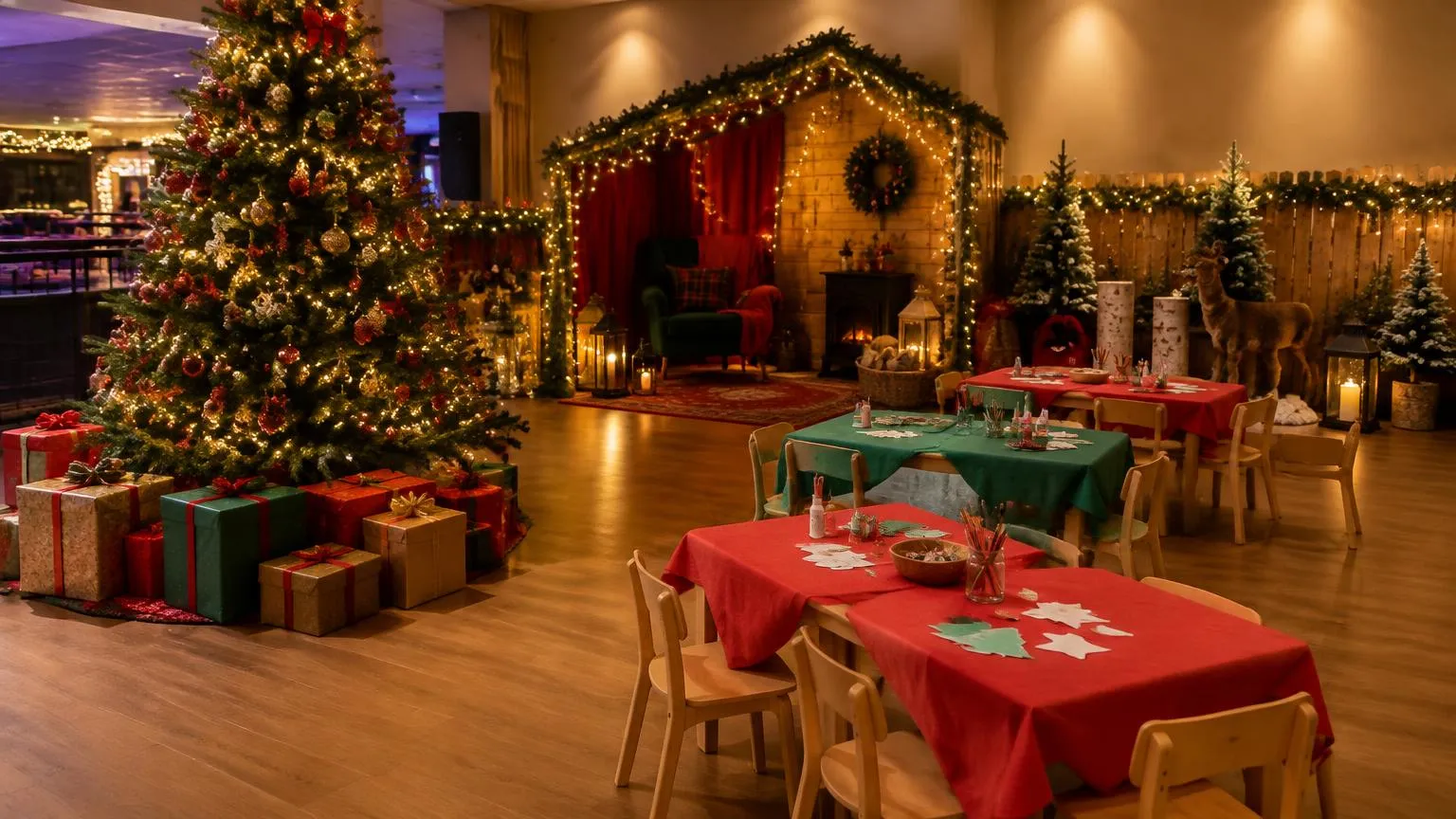
A parent likes the look of your Christmas event. Then they reach the ticket page and cannot work out whether adults need a ticket, whether the gift is included or how long the visit lasts.
That hesitation matters. Families may be comparing several experiences and coordinating children, grandparents and a budget. Your page needs to help them make a confident decision.
Explain the experience before selling the ticket
Start with what happens during the visit. Describe the activities in a sensible order and distinguish a scheduled experience from facilities available before or afterwards.
If there is a meeting with Santa, explain whether it is individual or shared, whether a photograph is included and what the ticket covers. If your event has no Santa element, make the actual attraction equally clear. Avoid relying on festive language to explain the product.
Use genuine photographs where available. Where a visual is an illustration or represents a previous event, label it accurately so customers understand what they are seeing.
Make ticket choices understandable
Show suitable ages, the total price and the rules for adults, babies and carers where relevant. Explain whether general admission is included and whether families must book everybody into the same time slot.
For example, a family selecting two child tickets should know whether one accompanying adult is included or needs a separate ticket. That information belongs beside the ticket selection, not in a document they discover after payment.
State any mandatory charges before commitment. Explain cancellation and change arrangements clearly, without making broad promises the team cannot honour.
Turn questions into useful page content
Give families the venue address, Eircode, parking information, arrival time and expected duration. Explain indoor and outdoor elements, what to wear and what happens if weather affects the experience.
Describe accessibility arrangements precisely and provide a contact route for requirements that need discussion. “Suitable for everyone” is less useful than explaining step-free access, lighting, noise or available support accurately.
Keep one clear booking action near the key information. A customer should be able to move from understanding the event to checking a suitable date without searching through the whole website.
Test the booking as a family would
Choose a realistic family group on a phone and complete a test transaction. Confirm that the correct venue, date, time and ticket types appear at every stage.
Read the resulting confirmation. It should explain what was purchased and what happens next. If booking opens in a separate system, check the transition feels recognisable and that availability is current.
Our approach to <u>venue websites</u> treats those steps as one customer journey. A strong page and a confusing calendar still create a confusing experience.
Keep the page useful as dates fill
Assign somebody to review availability, customer questions and outdated notices. When a session sells out, show suitable alternatives where they exist. Do not imply that more places are available if they are not.
My practical test is simple: could somebody unfamiliar with the event explain the visit and its total cost after reading the page? If they cannot, there is more work to do.
Your action this week
Ask a parent who does not know the event to plan a visit from the page. Write down every unanswered question before changing the design.
Get practical help through PALI
If you would like a second opinion, explore your <u>PALI member benefits</u>. First <u>complete the PALI digital questionnaire</u> to claim your benefits, then <u>book your free consultation</u> with me. We can review the opportunities relevant to your venue, with no obligation to proceed.
Free member reviews and consultations do not include ongoing marketing, a complete website or a custom booking system.
Thank you for reading Ask the Expert with Myk Baxter. I hope this gives you a practical starting point you can put to work in your business.